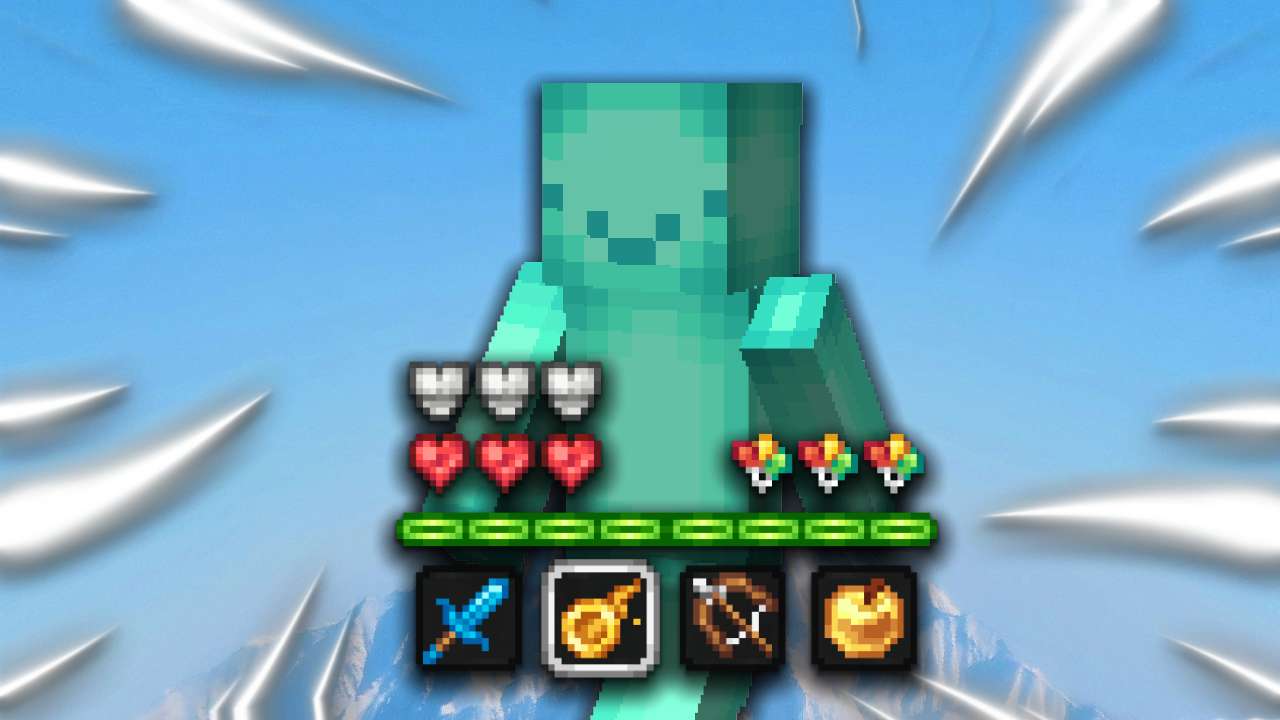
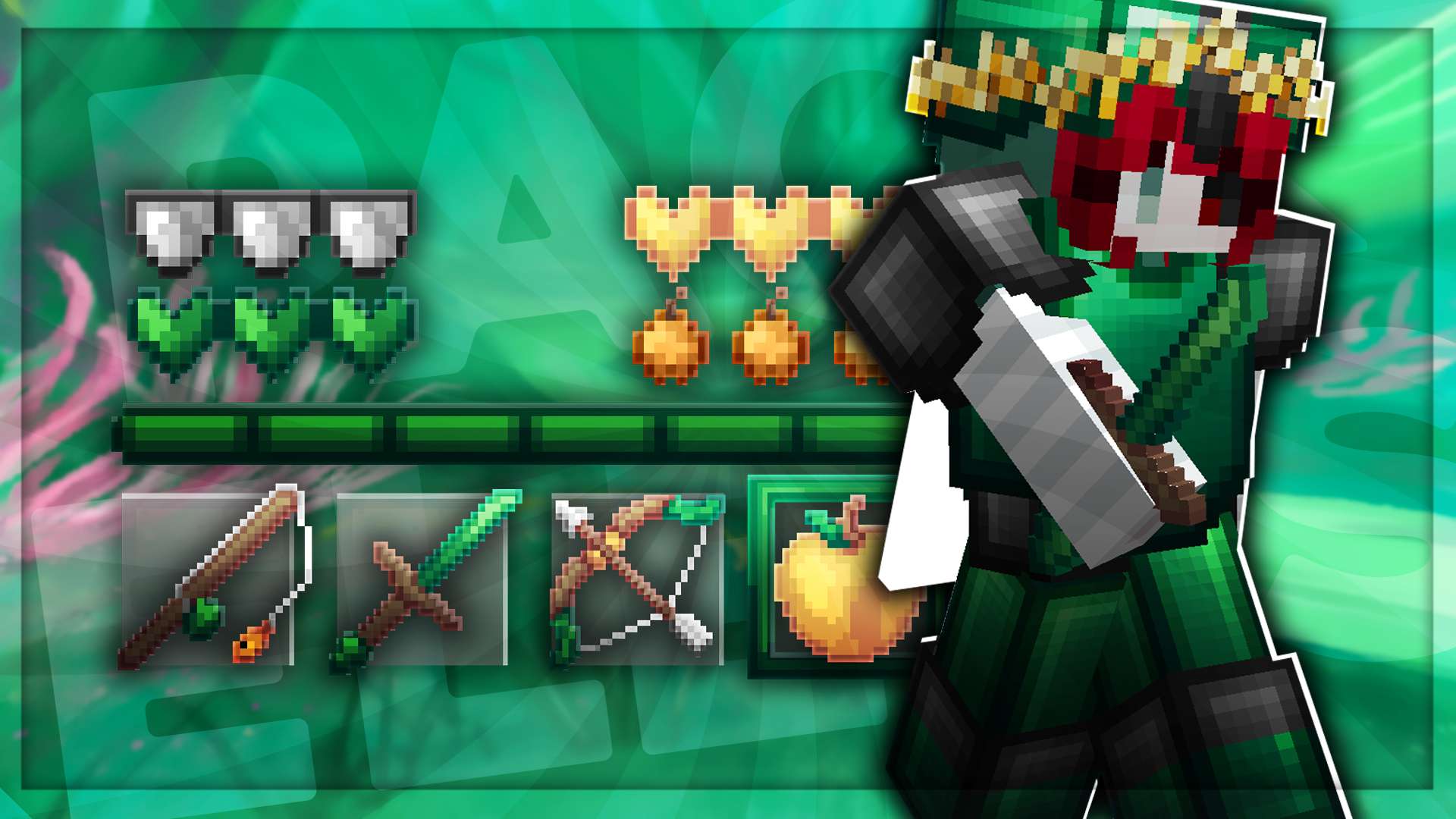
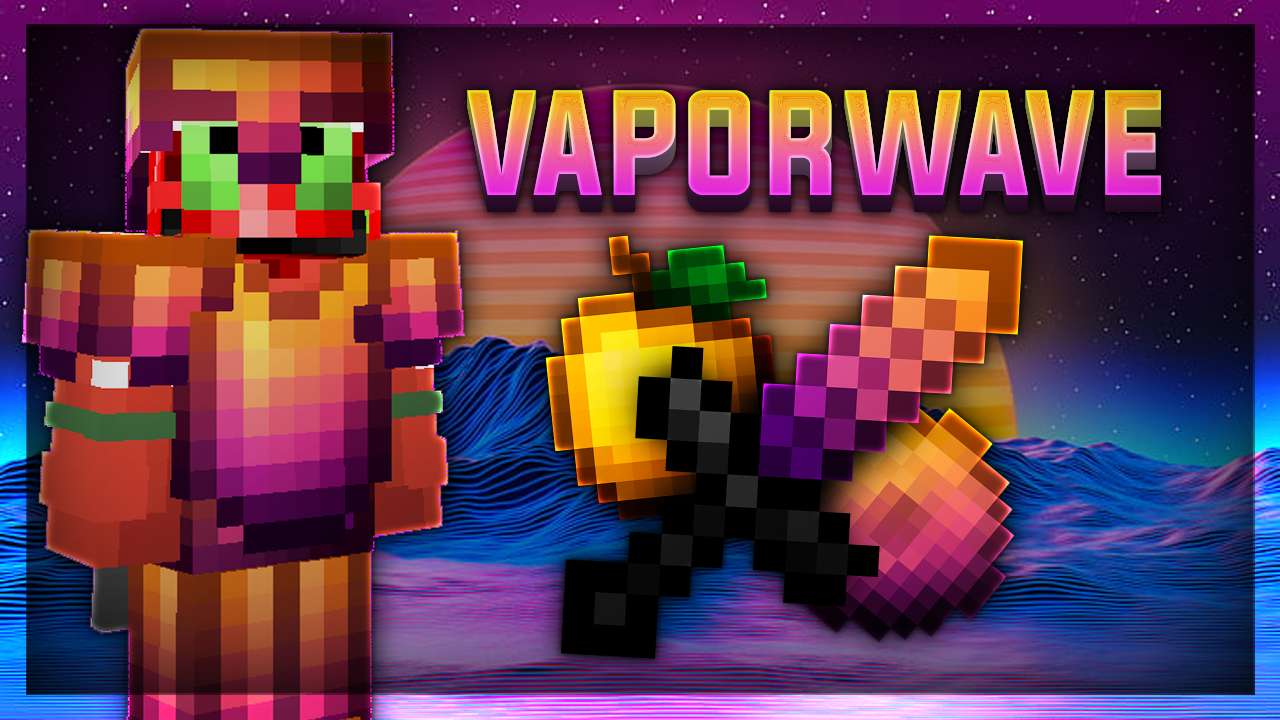
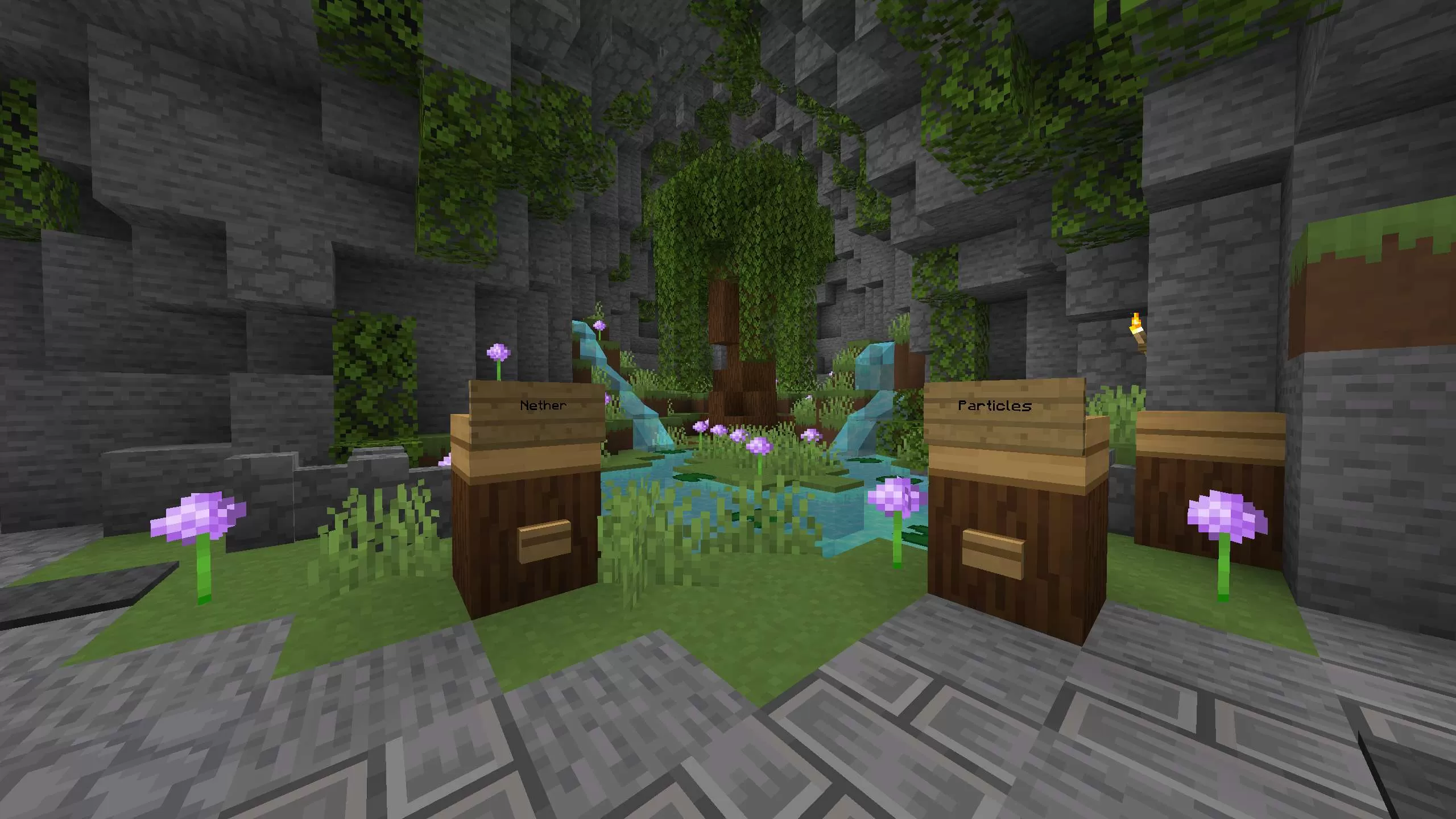
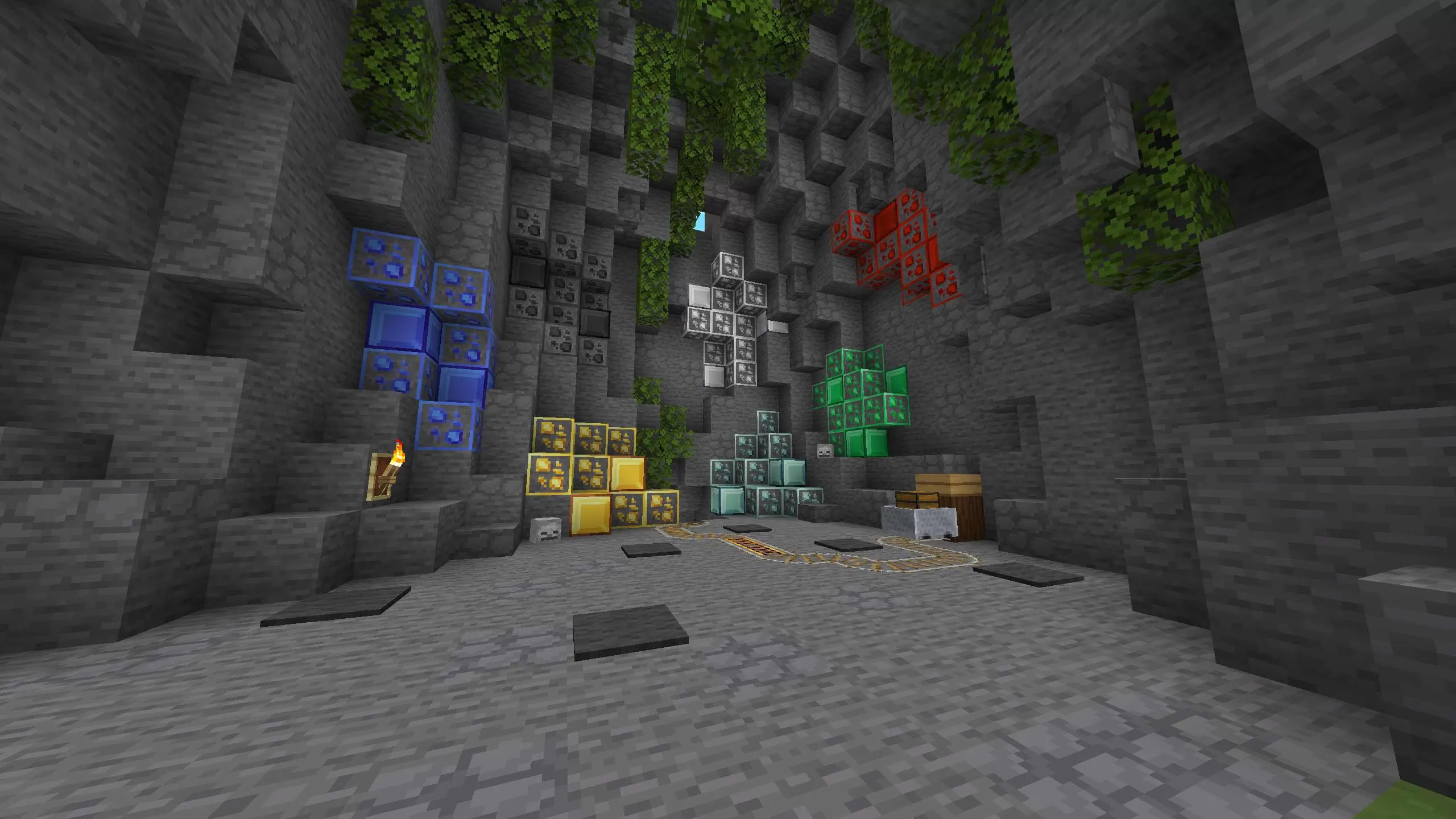
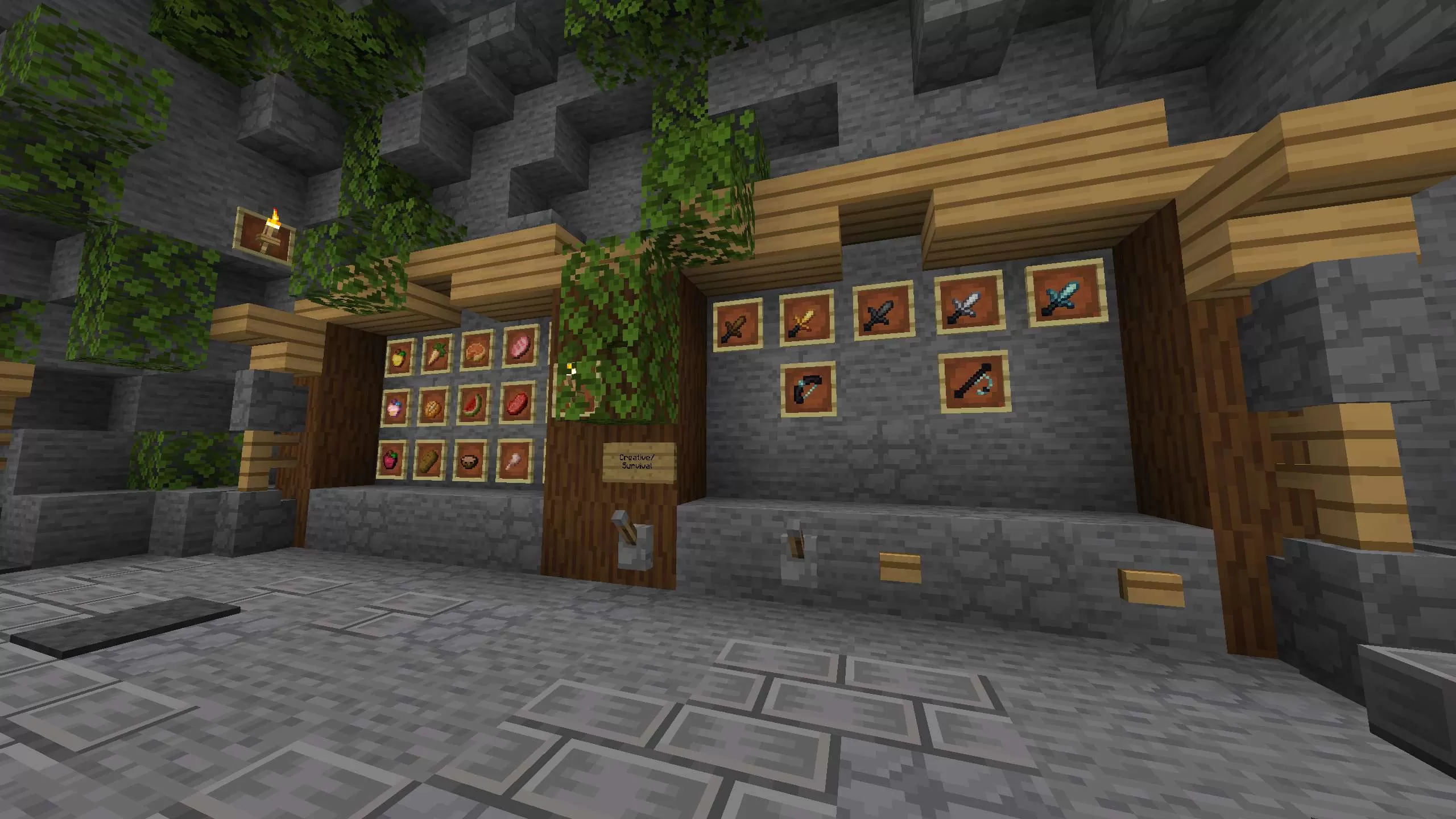
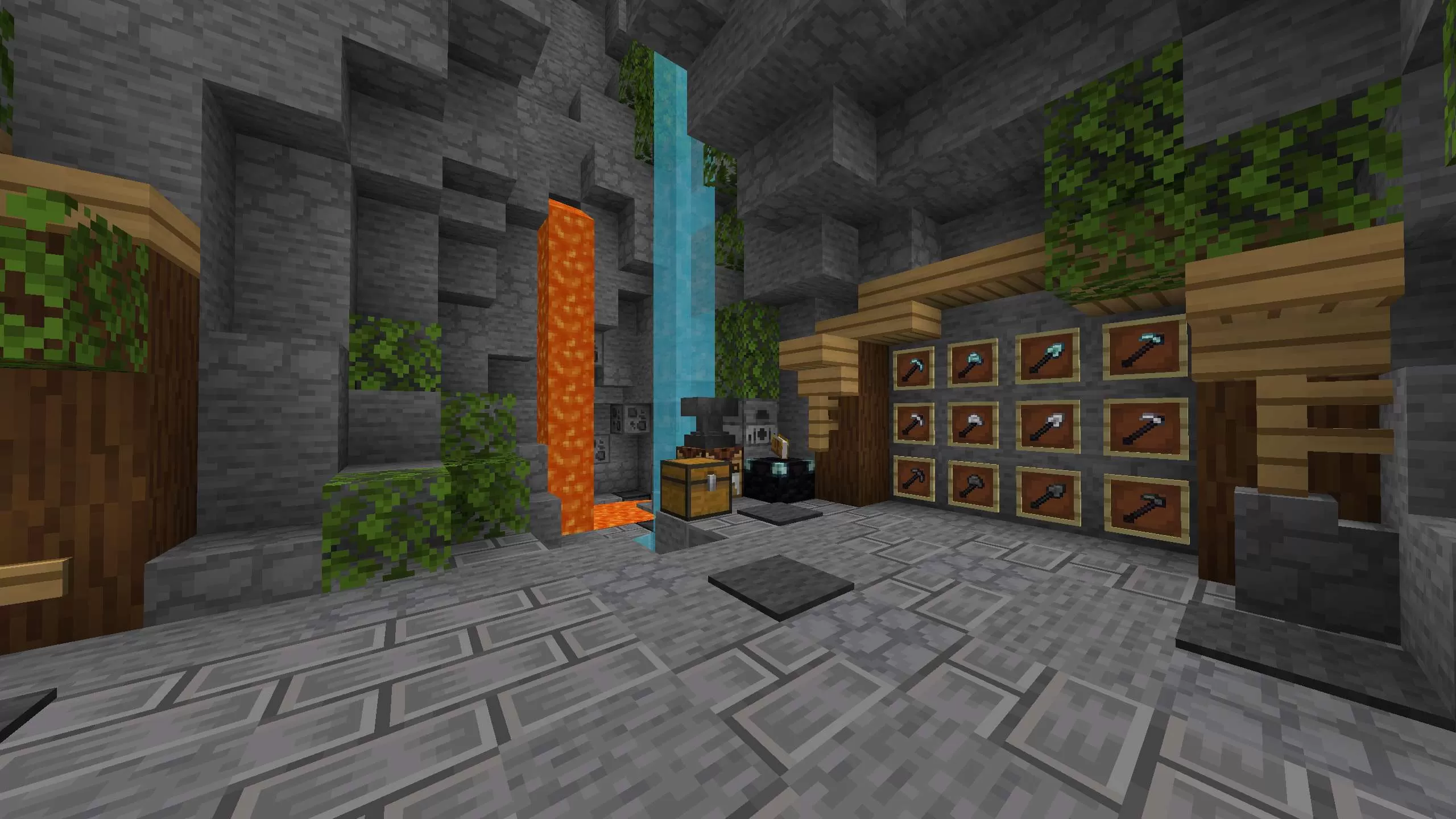
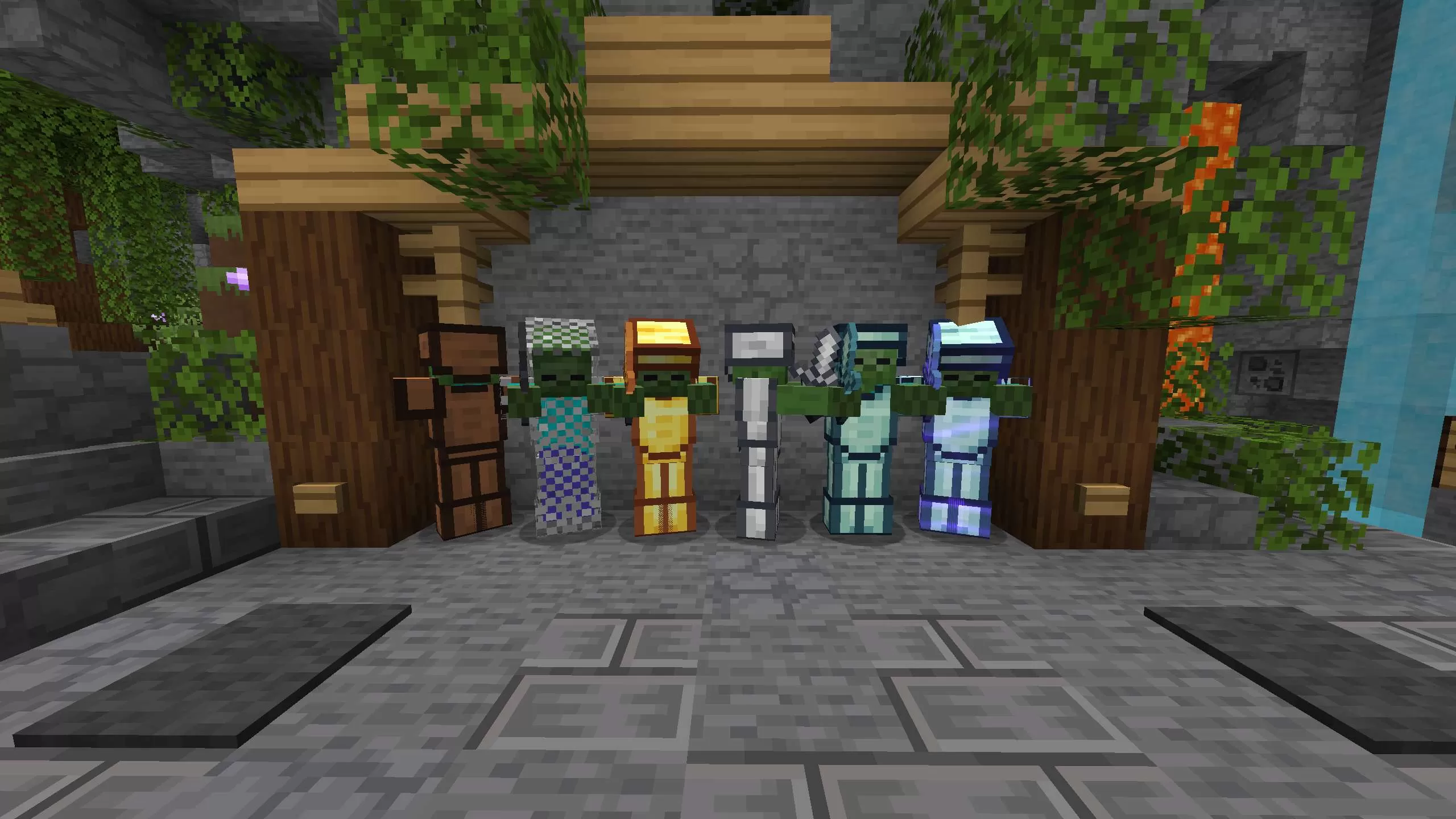
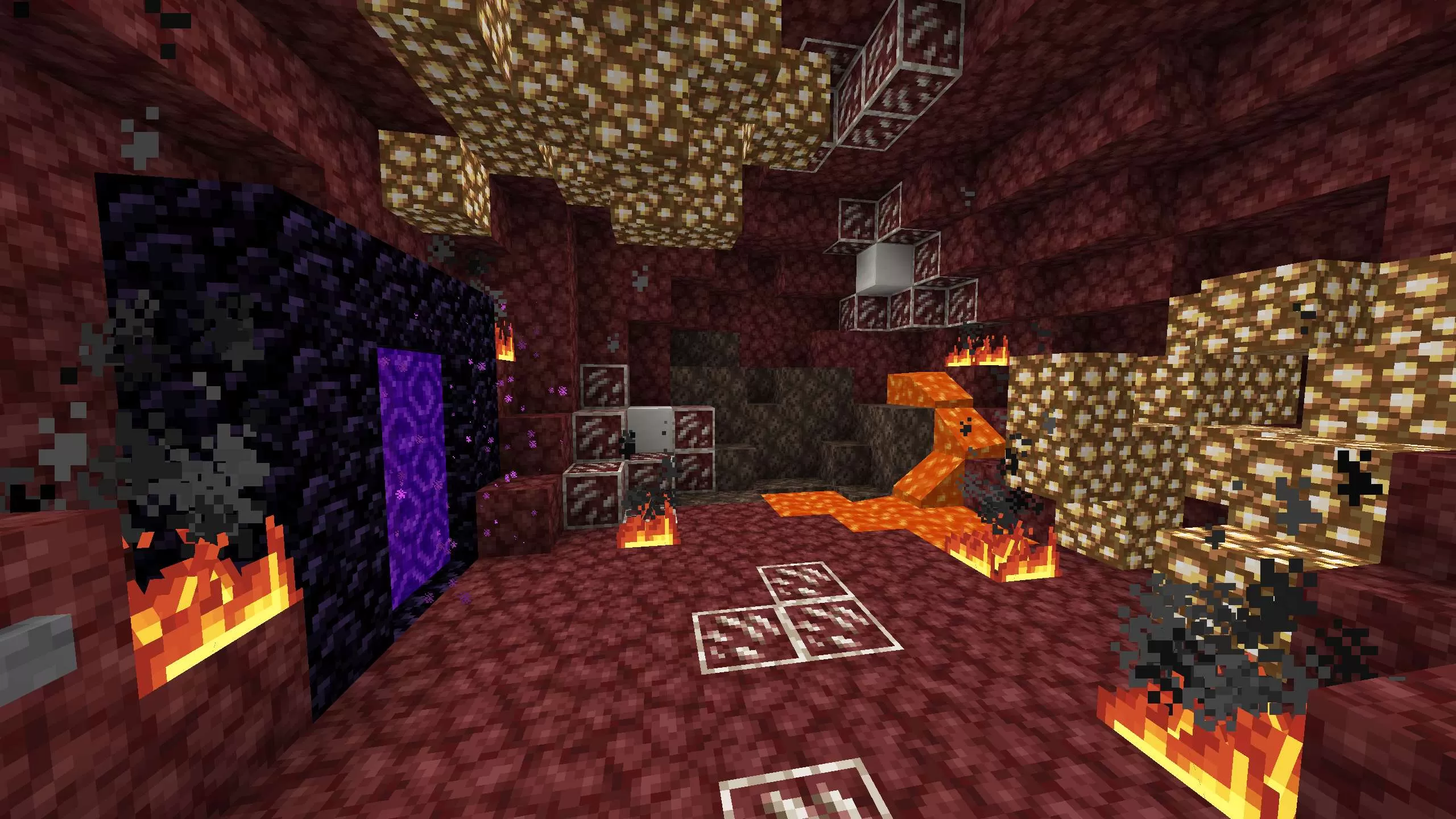
KonkovYT 2.5k subscriber pack is a custom resource pack made by KonkovYT, a popular Minecraft YouTuber, to celebrate reaching 2,500 subscribers on his channel. This pack features:
Vibrant and realistic textures for blocks, items, mobs, and GUI
Custom sounds and music for a more immersive experience
Low fire and clear water for better visibility in PvP
Animated ores, weapons, and armor for a cool effect
Custom sky, sun, moon, and stars for a stunning view
This pack is compatible with Minecraft 1.8.9 and requires Optifine to work properly. To install it, simply download the zip file and drag it into your resource packs folder. Enjoy the pack and don’t forget to subscribe to KonkovYT for more awesome content!
Help others to discover this pack by rating it based on your opinions! By rating it you will also gain profile XP and with it amazing leveling rewards that you can find here.
(1 Ratings)
How to use a Texture Pack:
After downloading your pack follow this step guide to get it working in your game
1. Open Minecraft
2. Go to Settings
3. Click on Resource Packs
4. Open Pack Folder
5. Drag the zip file that you just downloaded in the folder that opens up
6. Select the pack in game from left side by clicking on it
7. Press 'Done' and wait for the game to load the textures
After that the textures should load up and you can play the game with a brand new look!







 PC/Java Edition