Strange Xmas made by the author under the nickname Rispekt.
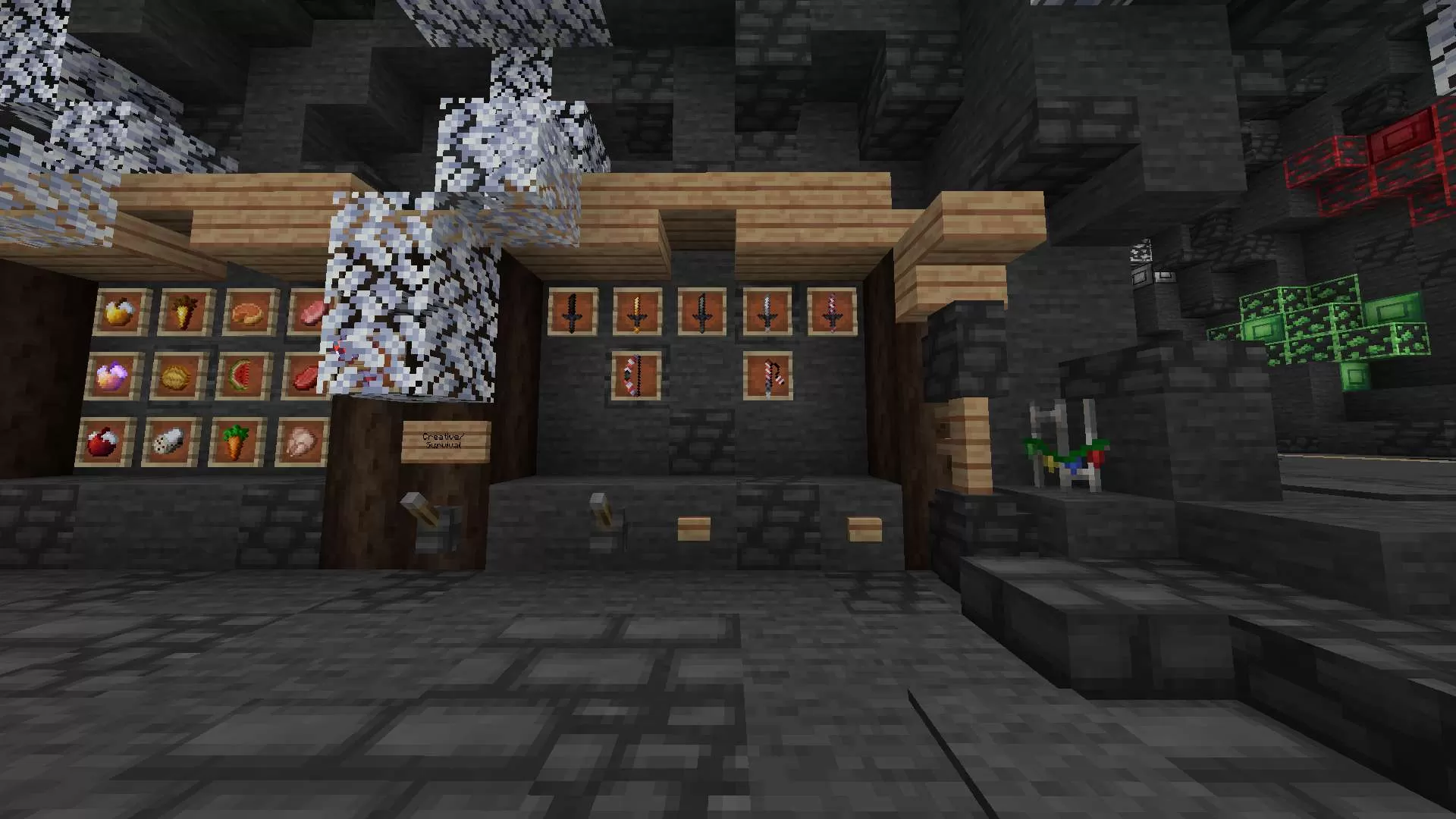
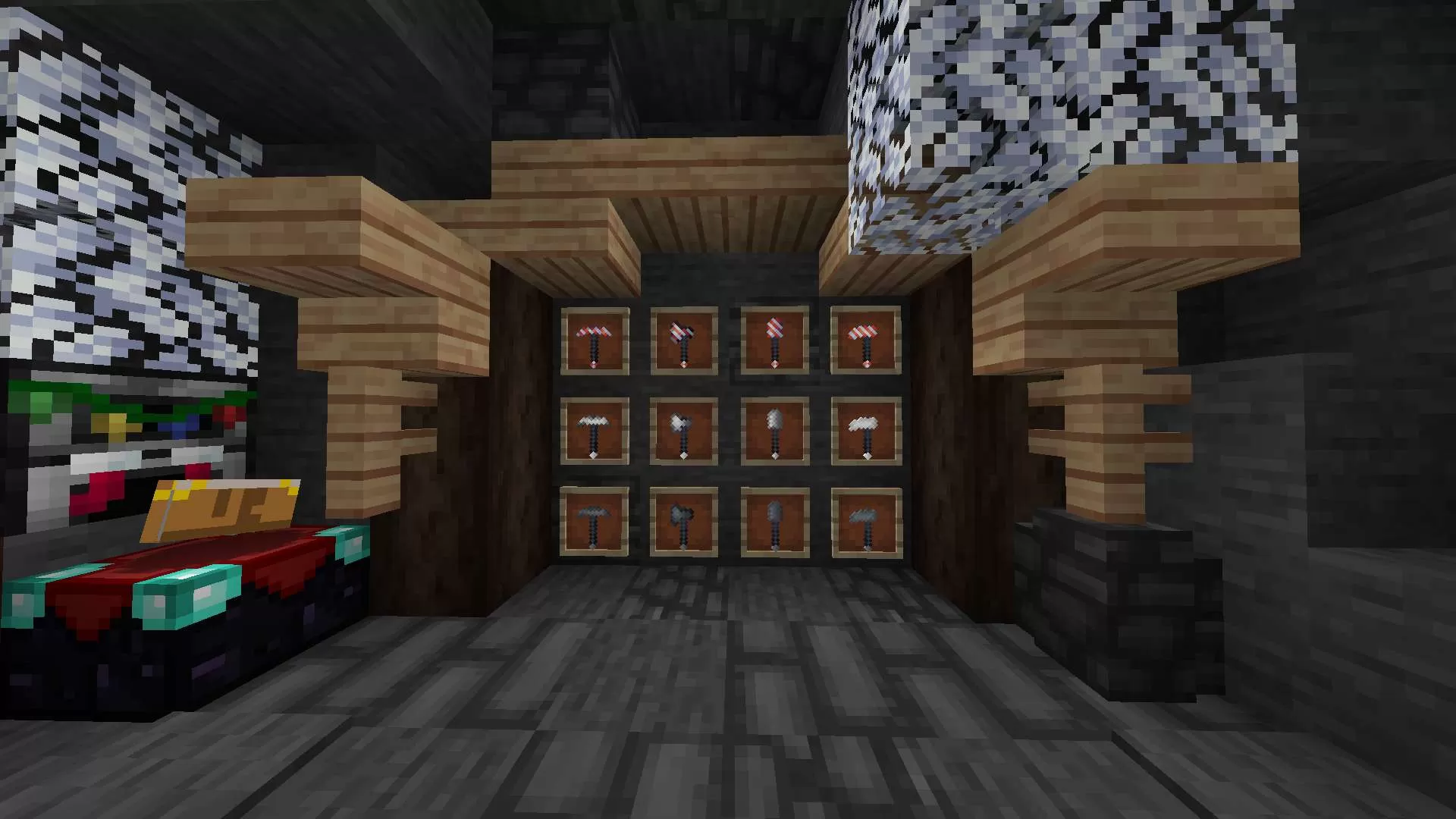
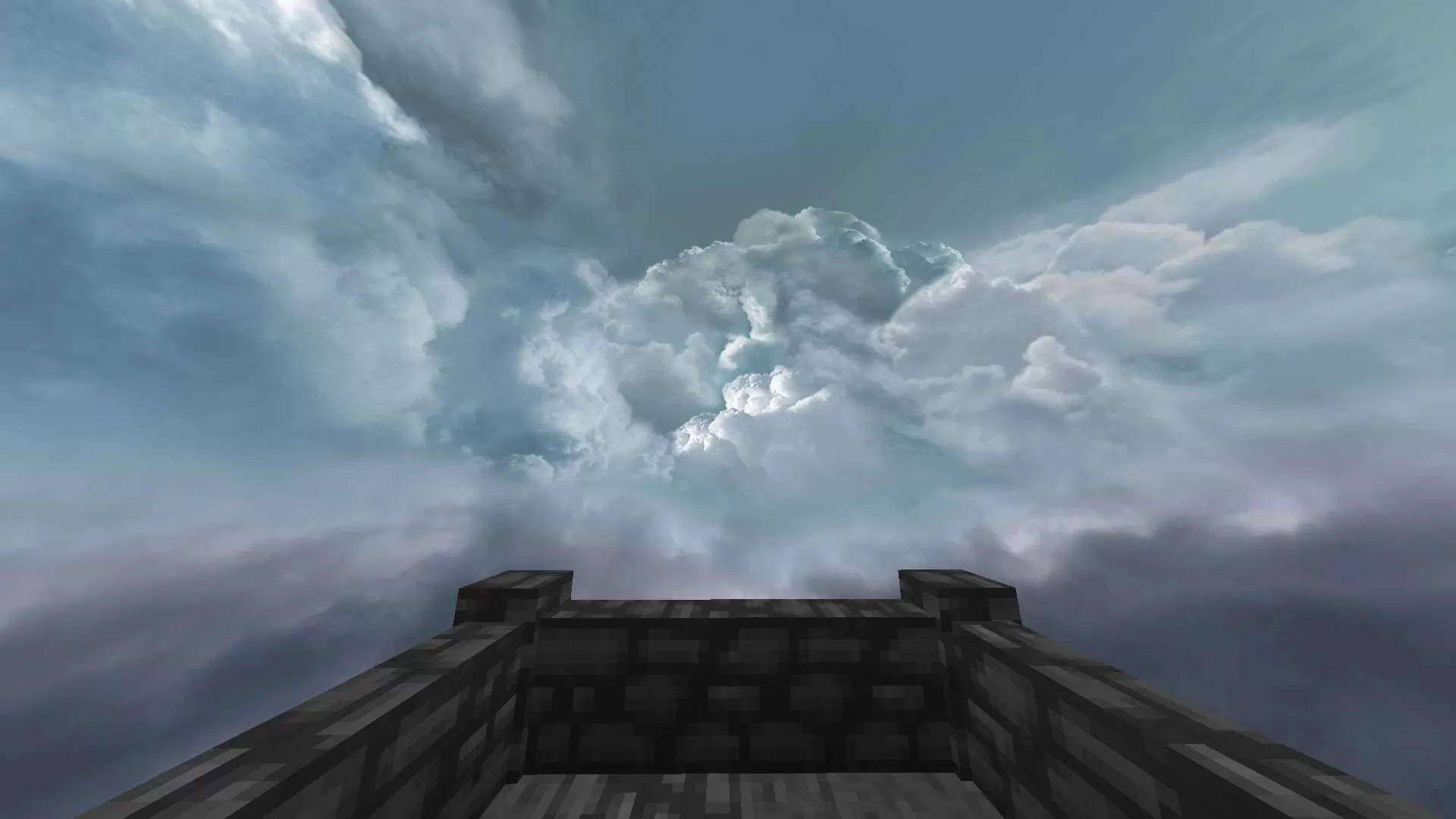
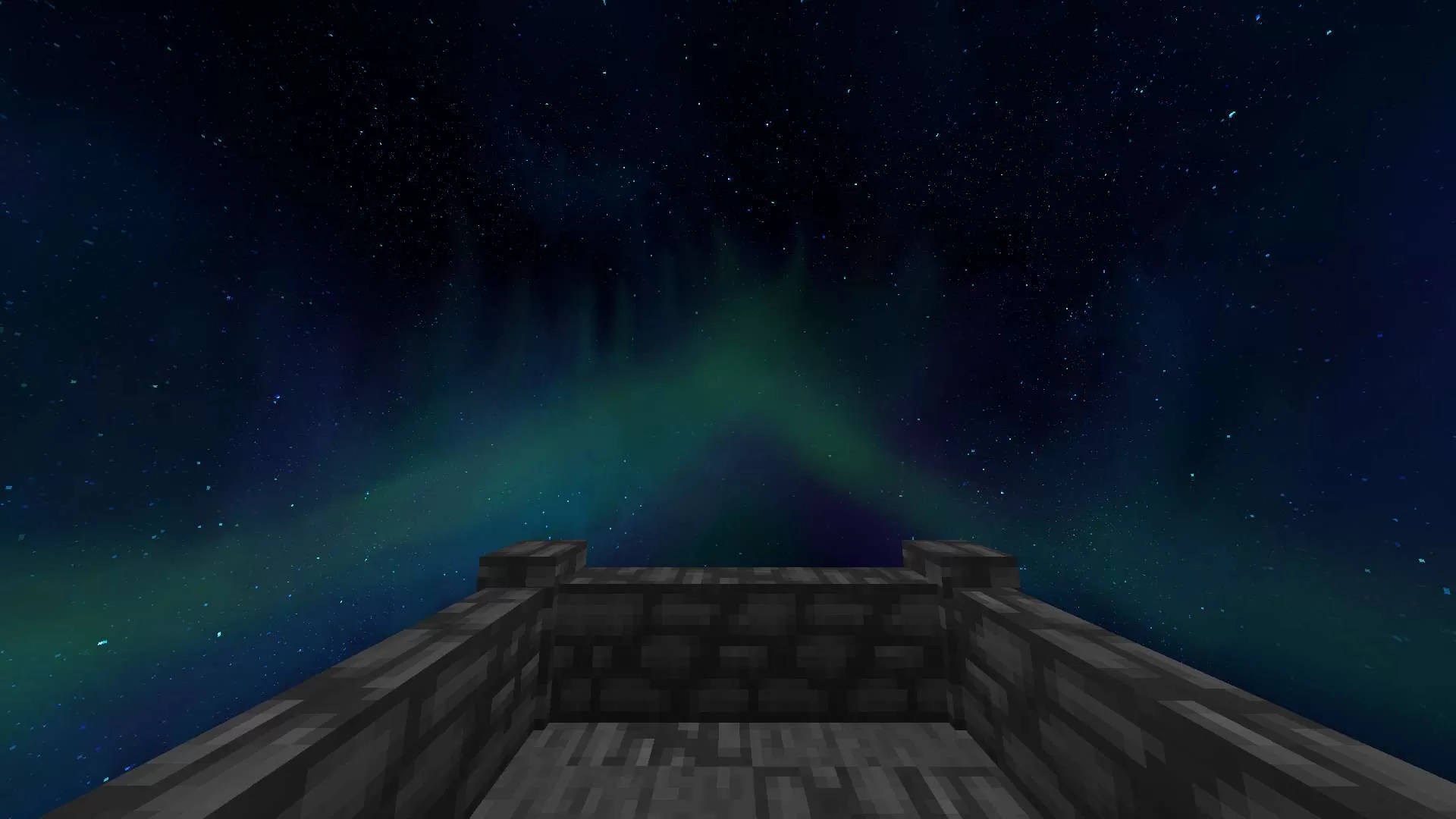
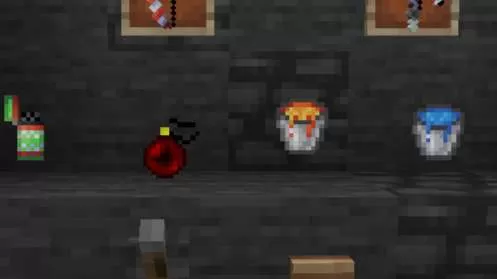
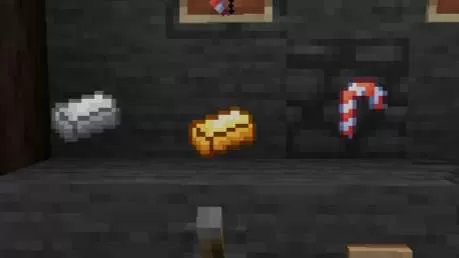
Texture Pack has an unusual Christmas atmosphere
Ground textures have been replaced with snow textures,
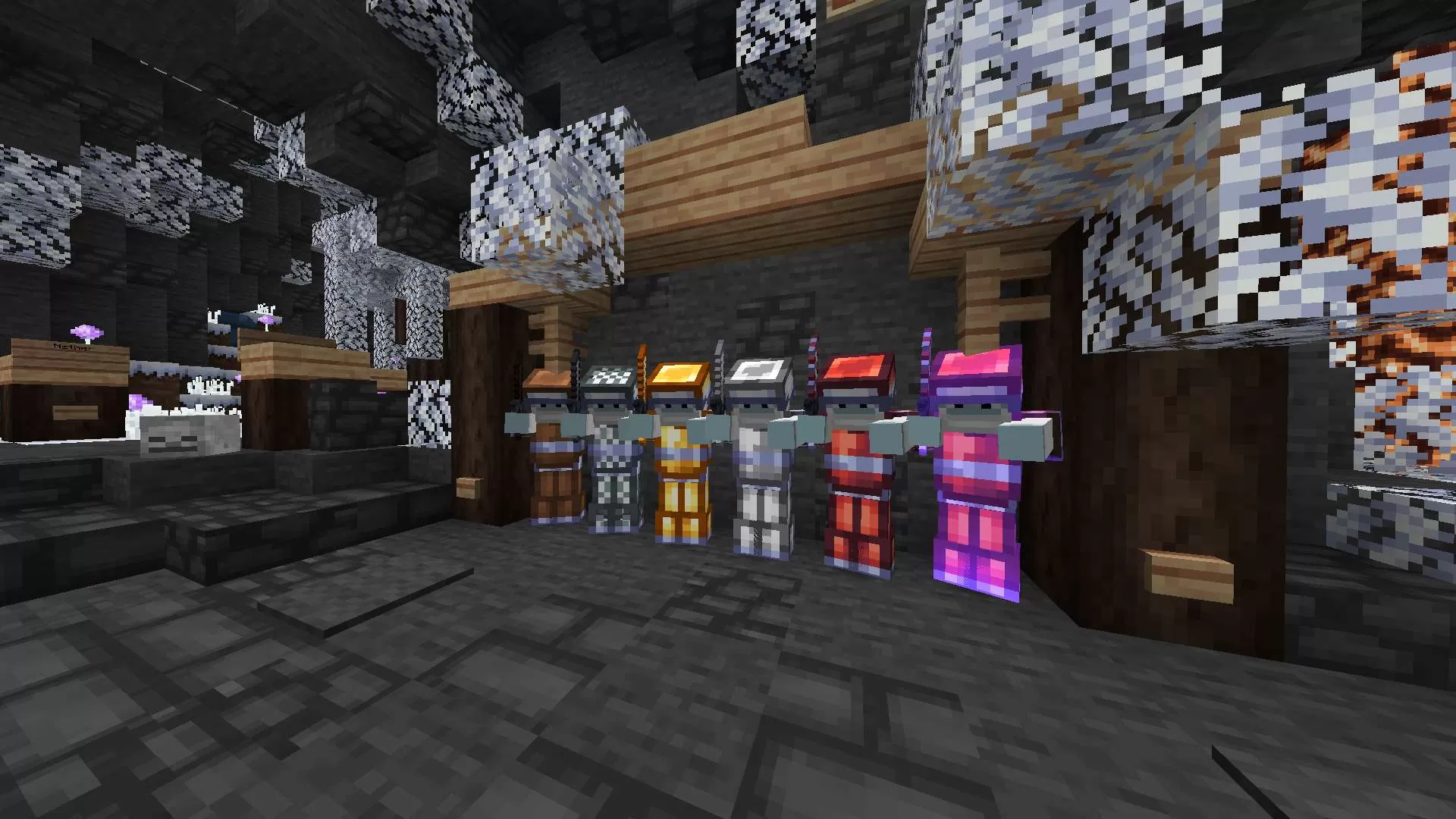
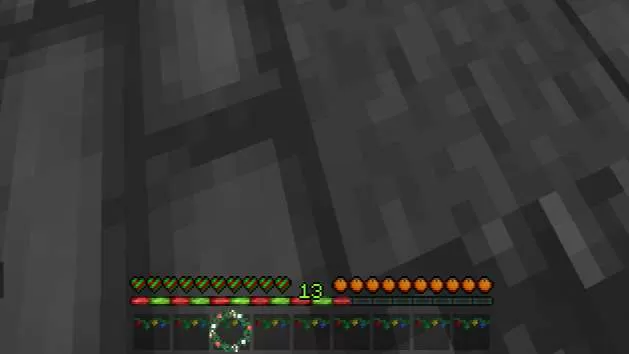
Some items have garland on them, swords are made to look like candy canes, and the armor is Santa's clothing. This and a lot of things you will see in this texture pack!
Help others to discover this pack by rating it based on your opinions! By rating it you will also gain profile XP and with it amazing leveling rewards that you can find here.
(0 Ratings)
How to use a Texture Pack:
After downloading your pack follow this step guide to get it working in your game
1. Open Minecraft
2. Go to Settings
3. Click on Resource Packs
4. Open Pack Folder
5. Drag the zip file that you just downloaded in the folder that opens up
6. Select the pack in game from left side by clicking on it
7. Press 'Done' and wait for the game to load the textures
After that the textures should load up and you can play the game with a brand new look!




 PC/Java Edition1.8christmasredwhitelong swordscustom skypvpThemedSoundgreen










![Vesper [java] 32x by xPqngu on PvPRP](https://pvprp.com/thumb.php?src=assets/packs/xPqngu/10907/banner.png&w=400)