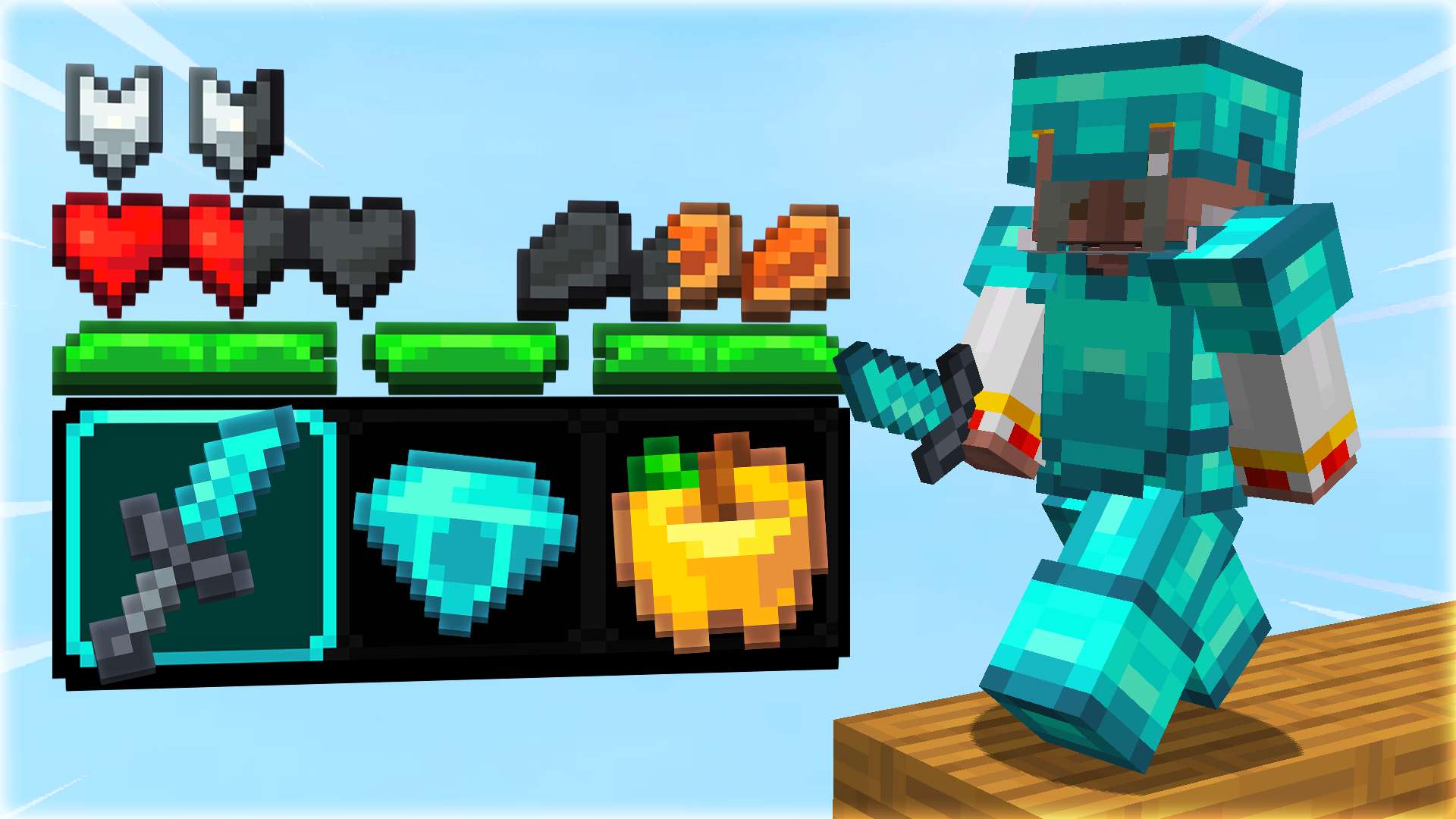
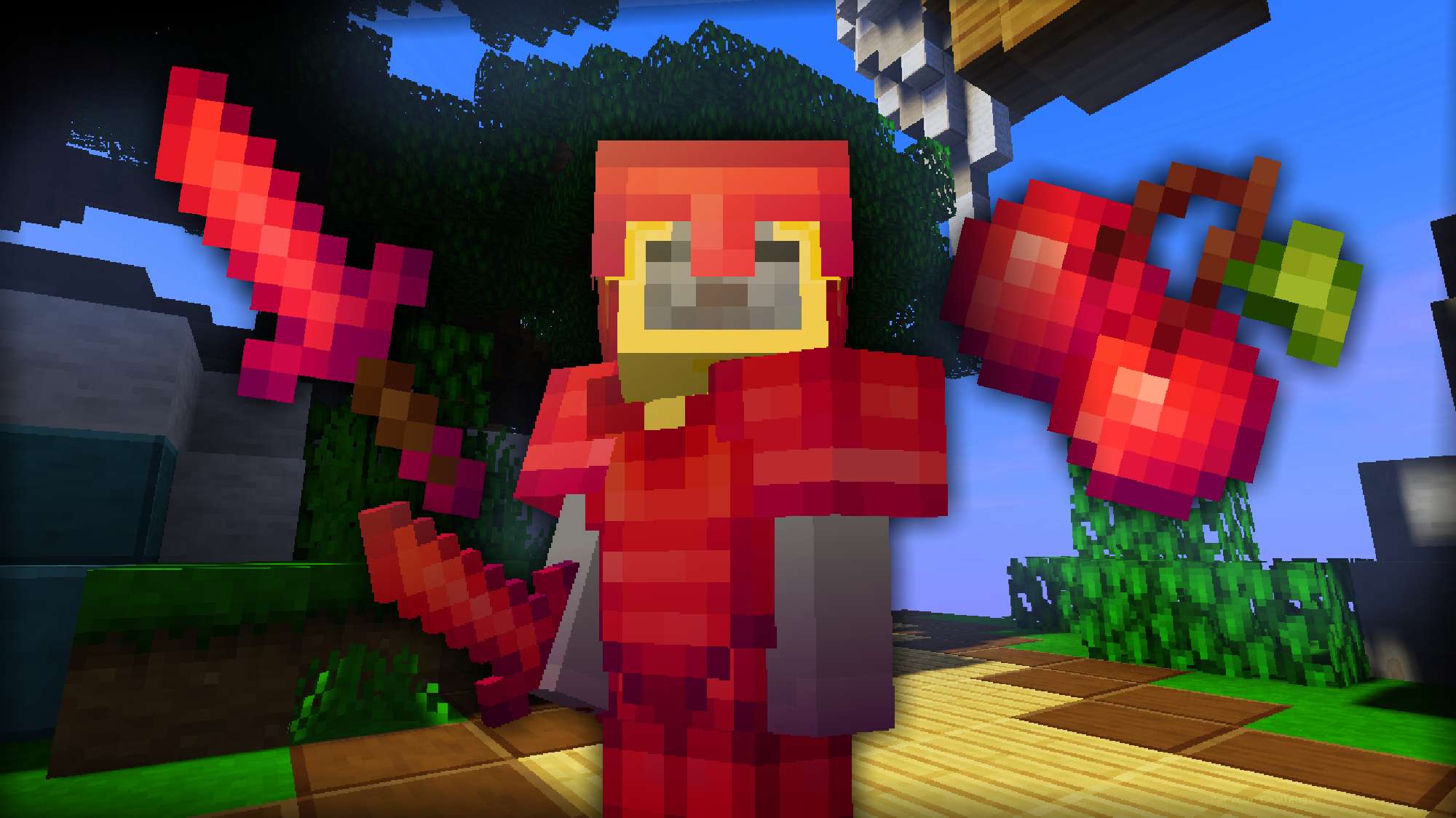
Tlaloc is one of the most important gods in Aztec mythology, known as the god of rain, water, thunder, and agriculture. To appease Tlaloc and ensure timely rains, the Aztecs held various rituals that included human sacrifices, particularly of children. They believed that the tears of children before being sacrificed would summon rain, as tears were associated with rain. Well, after reading these sentences, I was inspired to create a package for Bedwars based on my own imagination, and this is the result. I hope you like it!
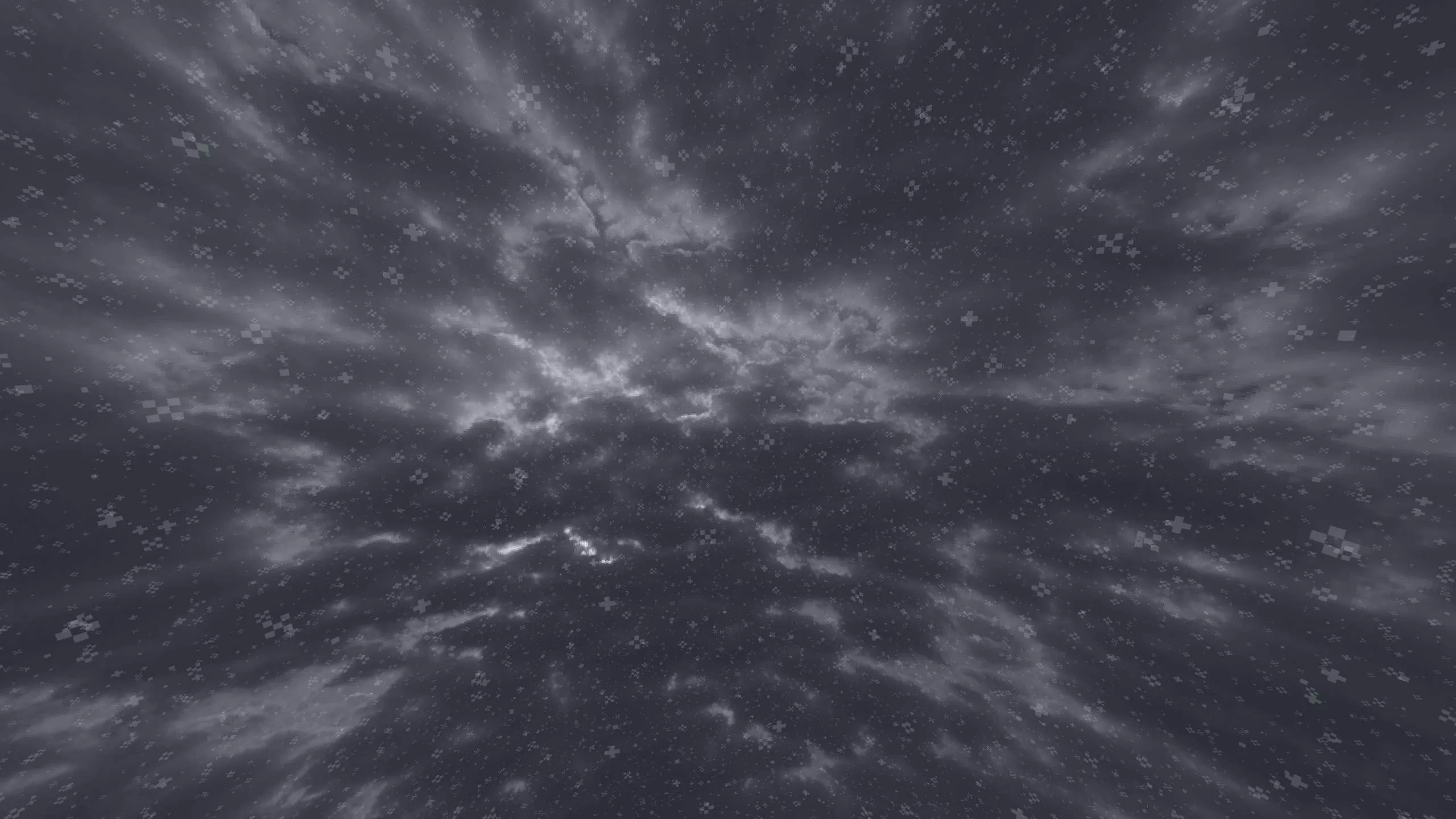
I made the black sky for snow and the dark blue sky in the afternoon for rain. I also made the red color for the night because of the victims.
If possible, upload a video of this pack to YouTube. 😅
Help others to discover this pack by rating it based on your opinions! By rating it you will also gain profile XP and with it amazing leveling rewards that you can find here.
(64 Ratings)
How to use a Texture Pack:
After downloading your pack follow this step guide to get it working in your game
1. Open Minecraft
2. Go to Settings
3. Click on Resource Packs
4. Open Pack Folder
5. Drag the zip file that you just downloaded in the folder that opens up
6. Select the pack in game from left side by clicking on it
7. Press 'Done' and wait for the game to load the textures
After that the textures should load up and you can play the game with a brand new look!







 PC/Java Edition1.8