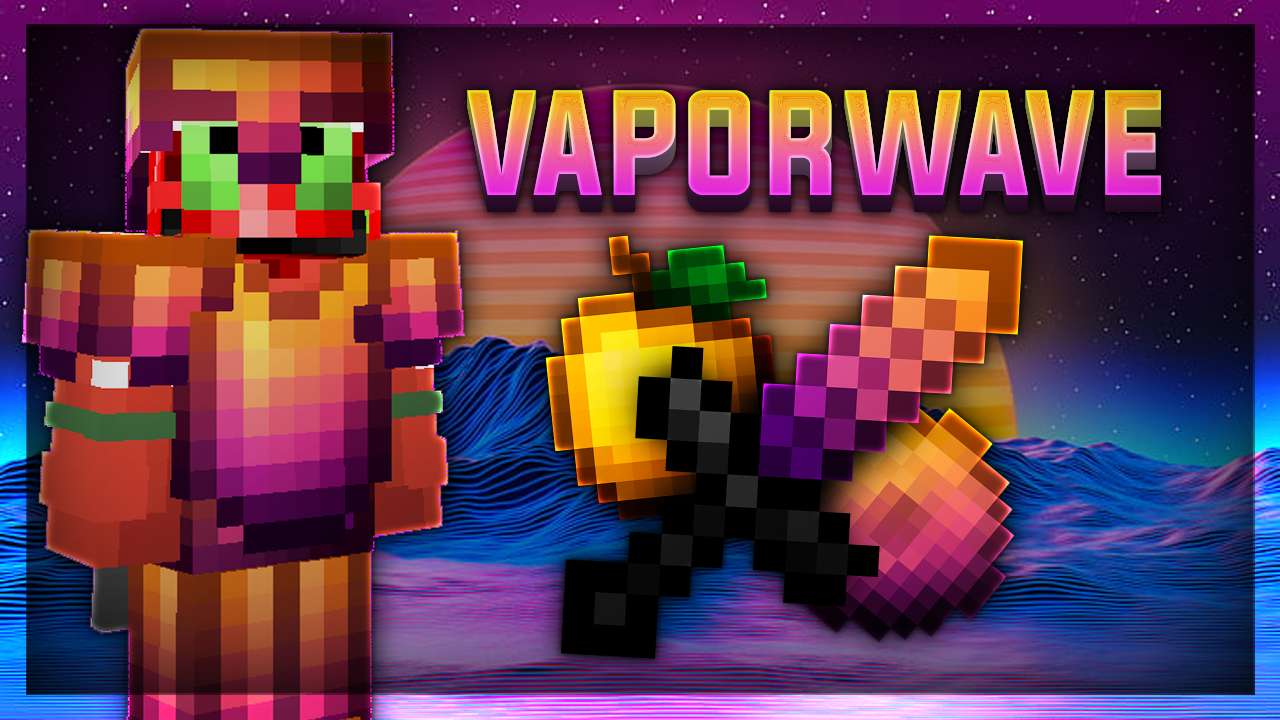
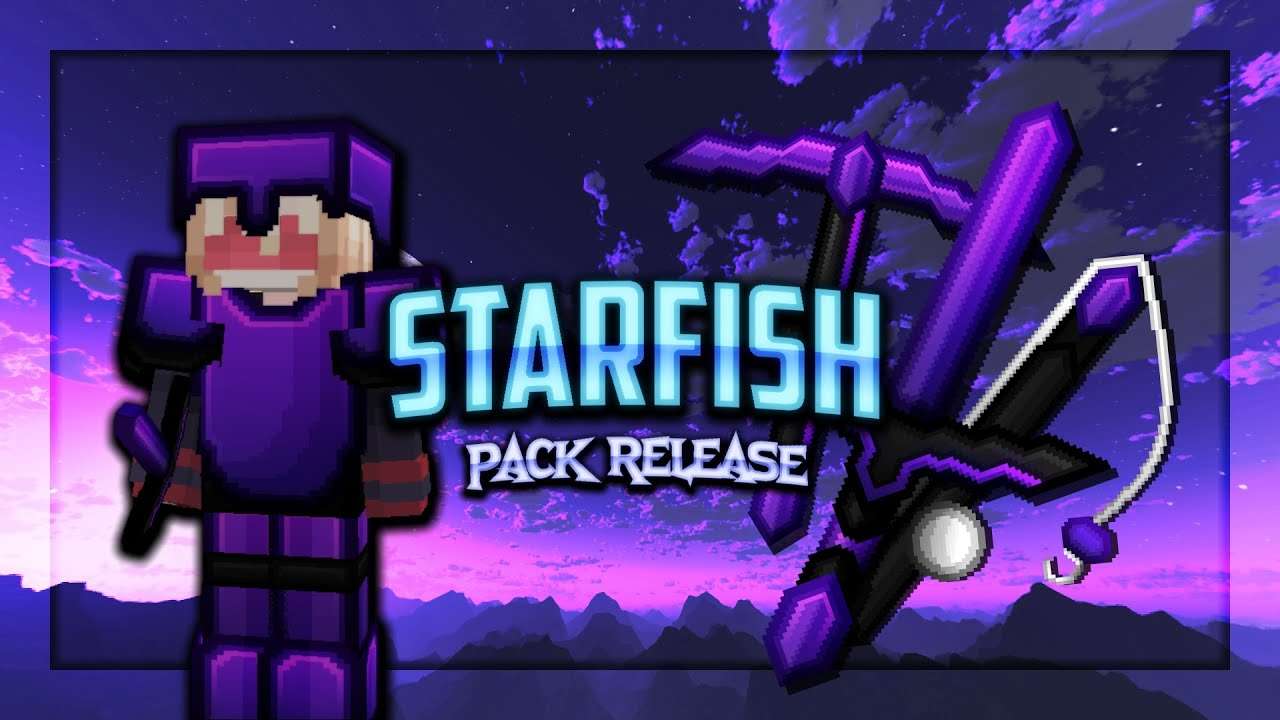
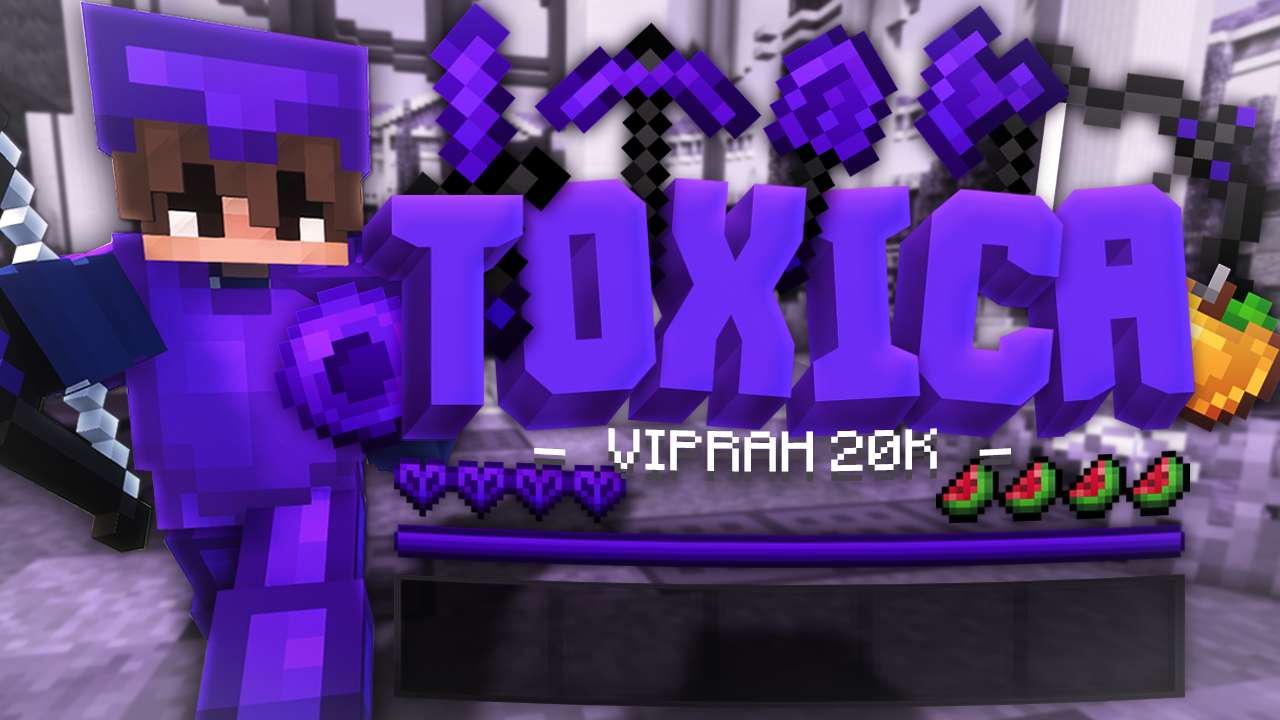
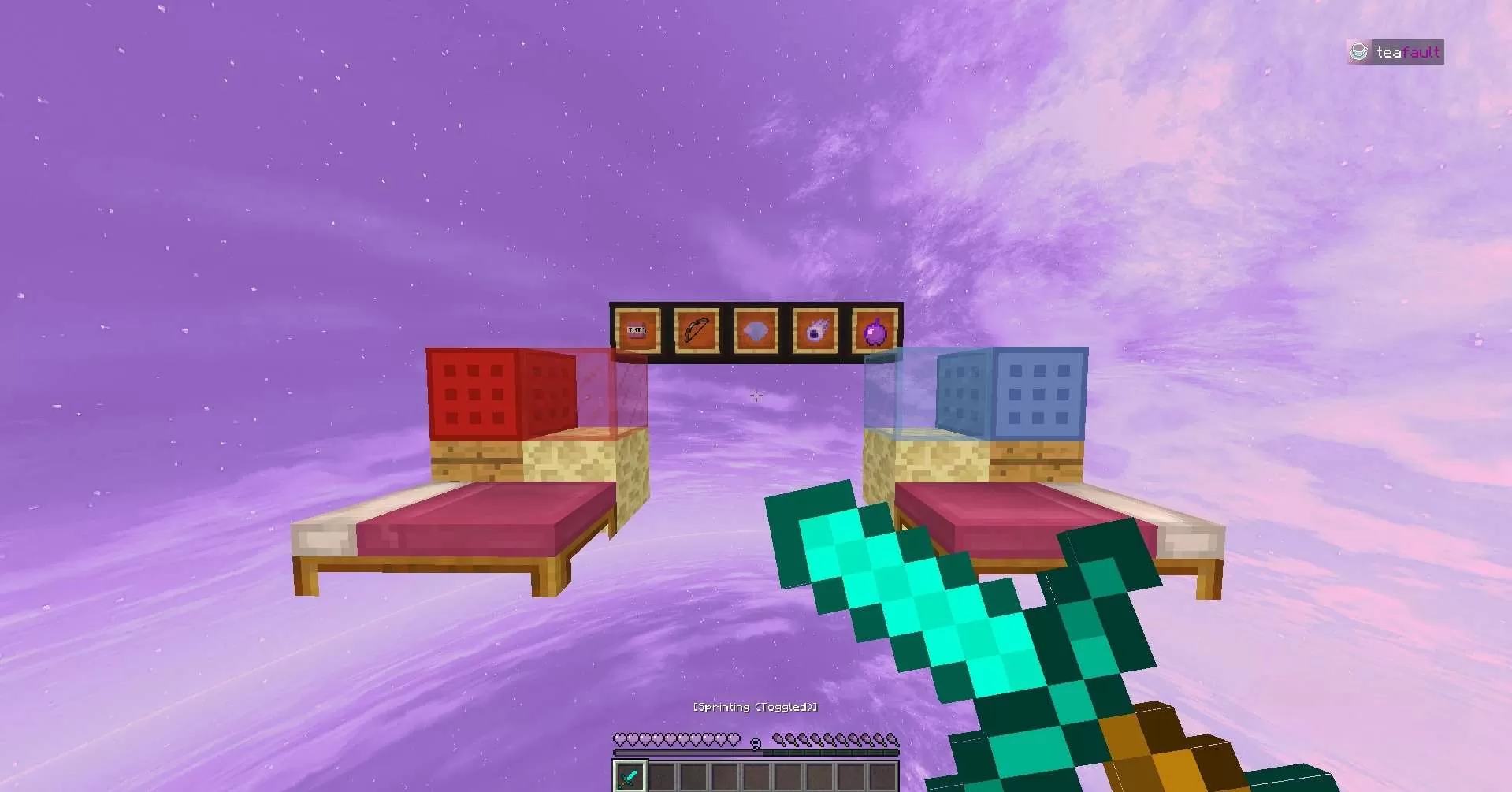
Have you ever wanted a simple, default, Minecraft 1.8 Texture Pack that is just right for PvP.. Nothing too crazy. Then dont hesitate to give this one a try! The pack contains the Default Minecraft swords along with a nice colour scheme of Lavender for the blocks, Gui, and the Custom Sky! The swords are perfectly short, to where you can still clearly see them.
[! I did not apply the colour scheme to any of the Diamond Items, as i think that its sometimes confusing and hard to see. !]
Help others to discover this pack by rating it based on your opinions! By rating it you will also gain profile XP and with it amazing leveling rewards that you can find here.
(0 Ratings)
How to use a Texture Pack:
After downloading your pack follow this step guide to get it working in your game
1. Open Minecraft
2. Go to Settings
3. Click on Resource Packs
4. Open Pack Folder
5. Drag the zip file that you just downloaded in the folder that opens up
6. Select the pack in game from left side by clicking on it
7. Press 'Done' and wait for the game to load the textures
After that the textures should load up and you can play the game with a brand new look!








 PC/Java Edition






![Magma [Fade] 16x by Hydrogenate on PvPRP](https://pvprp.com/thumb.php?src=assets/packs/Hydrogenate/4868/banner.png&w=400)