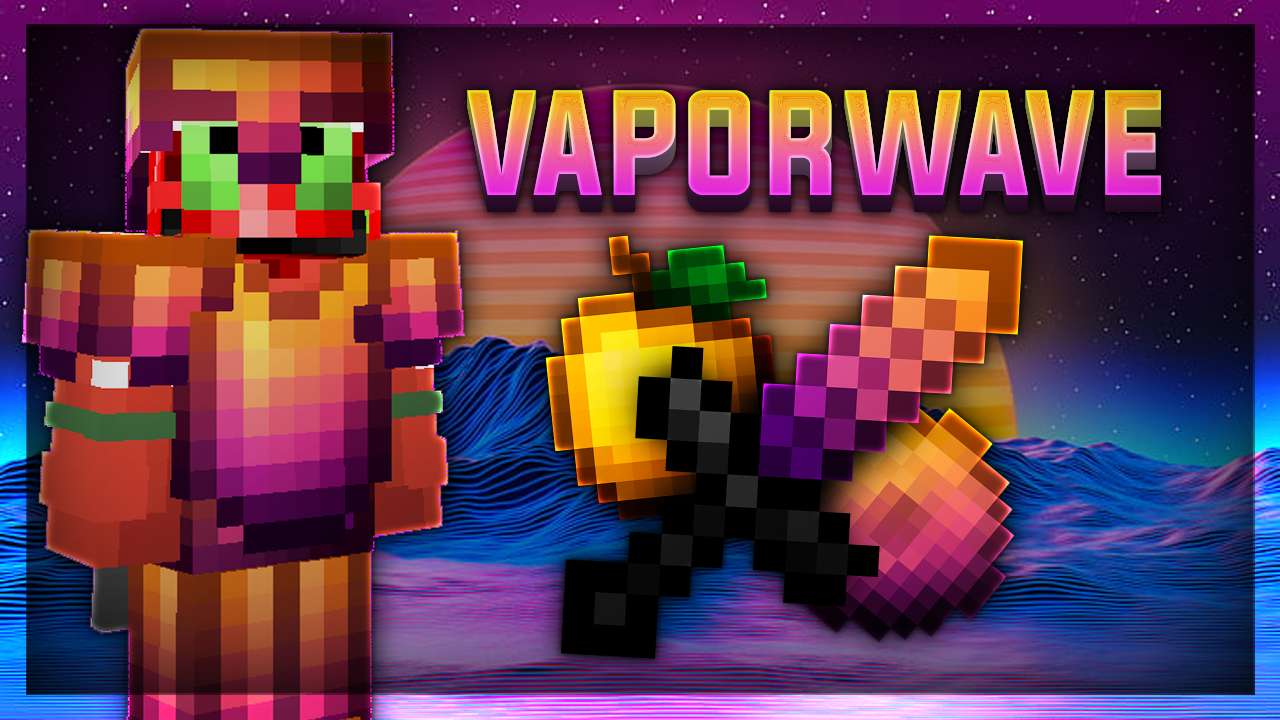
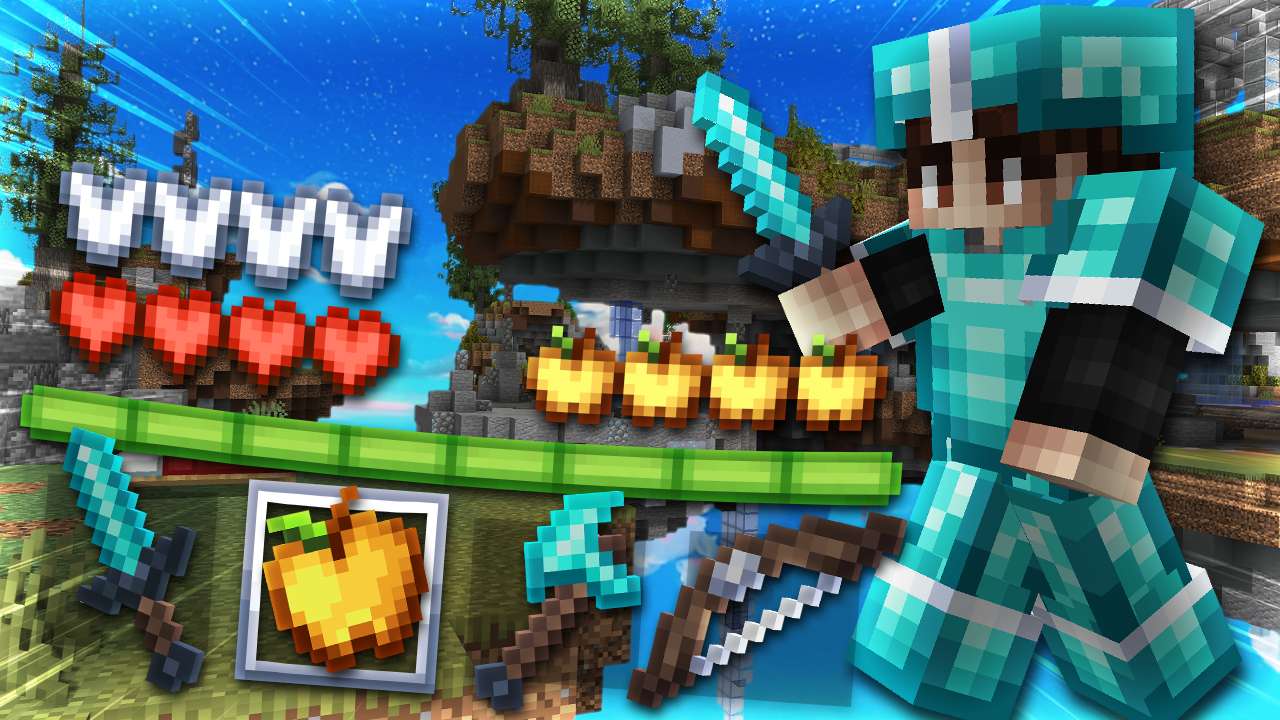
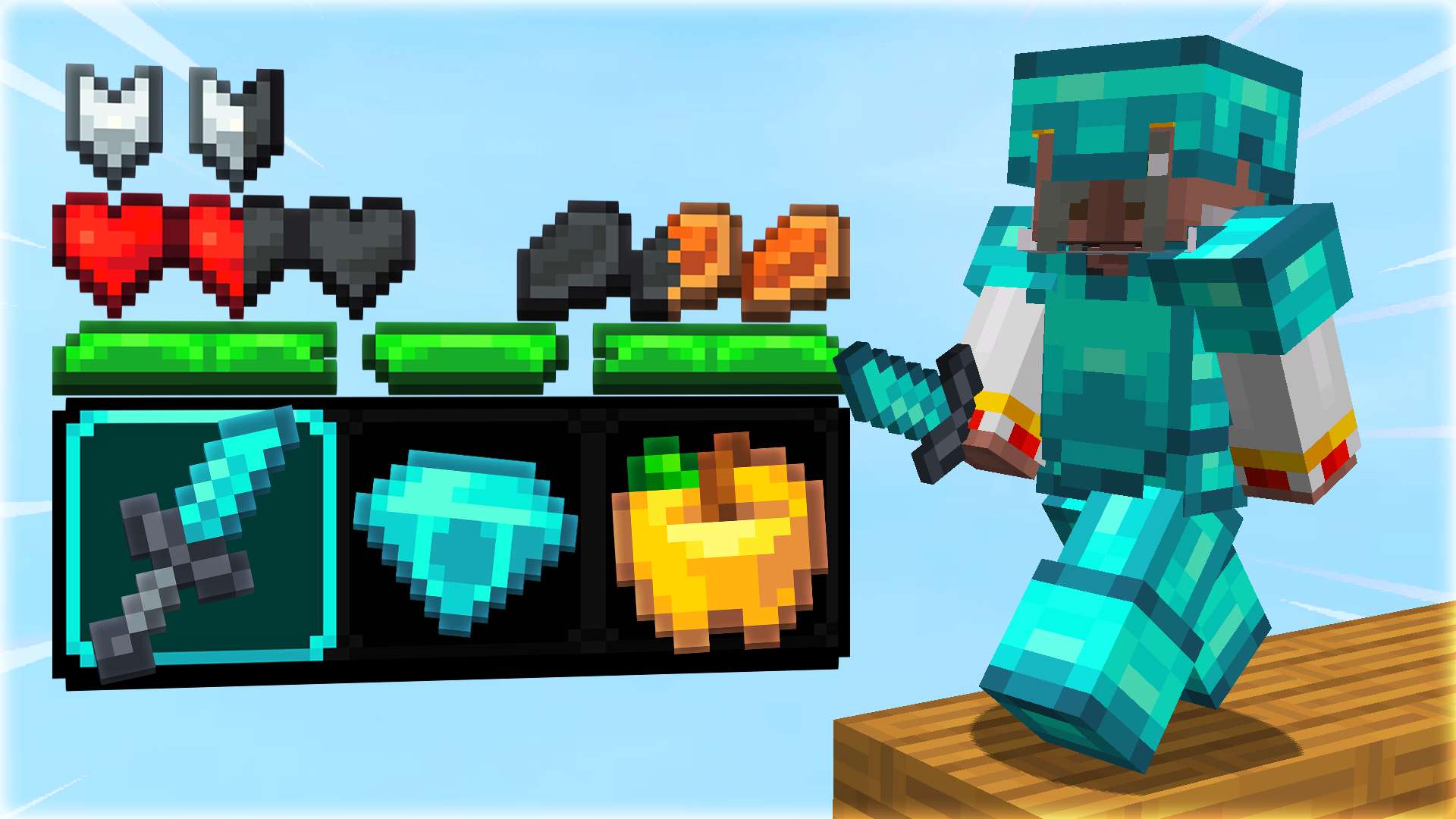
The Joshua 32× texture pack is a Minecraft resource pack that replaces the game’s default visuals with cleaner, sharper graphics at a 32×32 resolution. This means every block, item, and texture is made with 32 pixels by 32 pixels, giving more detail than the original 16×16 art without being too heavy on performance.
👤 Creator Info
At this time, there’s no widely documented official creator name or page for a pack specifically called “Joshua 32×” on major Minecraft resource sites. It’s likely made by a community creator (possibly someone named Joshua) and shared among players online.
Help others to discover this pack by rating it based on your opinions! By rating it you will also gain profile XP and with it amazing leveling rewards that you can find here.
(0 Ratings)
How to use a Texture Pack:
After downloading your pack follow this step guide to get it working in your game
1. Open Minecraft
2. Go to Settings
3. Click on Resource Packs
4. Open Pack Folder
5. Drag the zip file that you just downloaded in the folder that opens up
6. Select the pack in game from left side by clicking on it
7. Press 'Done' and wait for the game to load the textures
After that the textures should load up and you can play the game with a brand new look!




 PC/Java Edition1.8aestheticbedwarsfpsUHCshort swordspvprankedslanted sword








![aquaria [] 16x by Bryckx on PvPRP](https://pvprp.com/thumb.php?src=assets/packs/Bryckx/2280/banner.png&w=400)


![lucid (fiizy 100k) [marine] 16x by Zuxt on PvPRP](https://pvprp.com/thumb.php?src=assets/packs/Zuxt/328/banner.png&w=400)